Business website
Present your offer and receive enquiries. Content, visibility and the contact journey come first.
Explore further ↗ Speak to an expert
 AIBS · Morocco
A tool built around the way you work: from the first idea to journeys tested with your users.
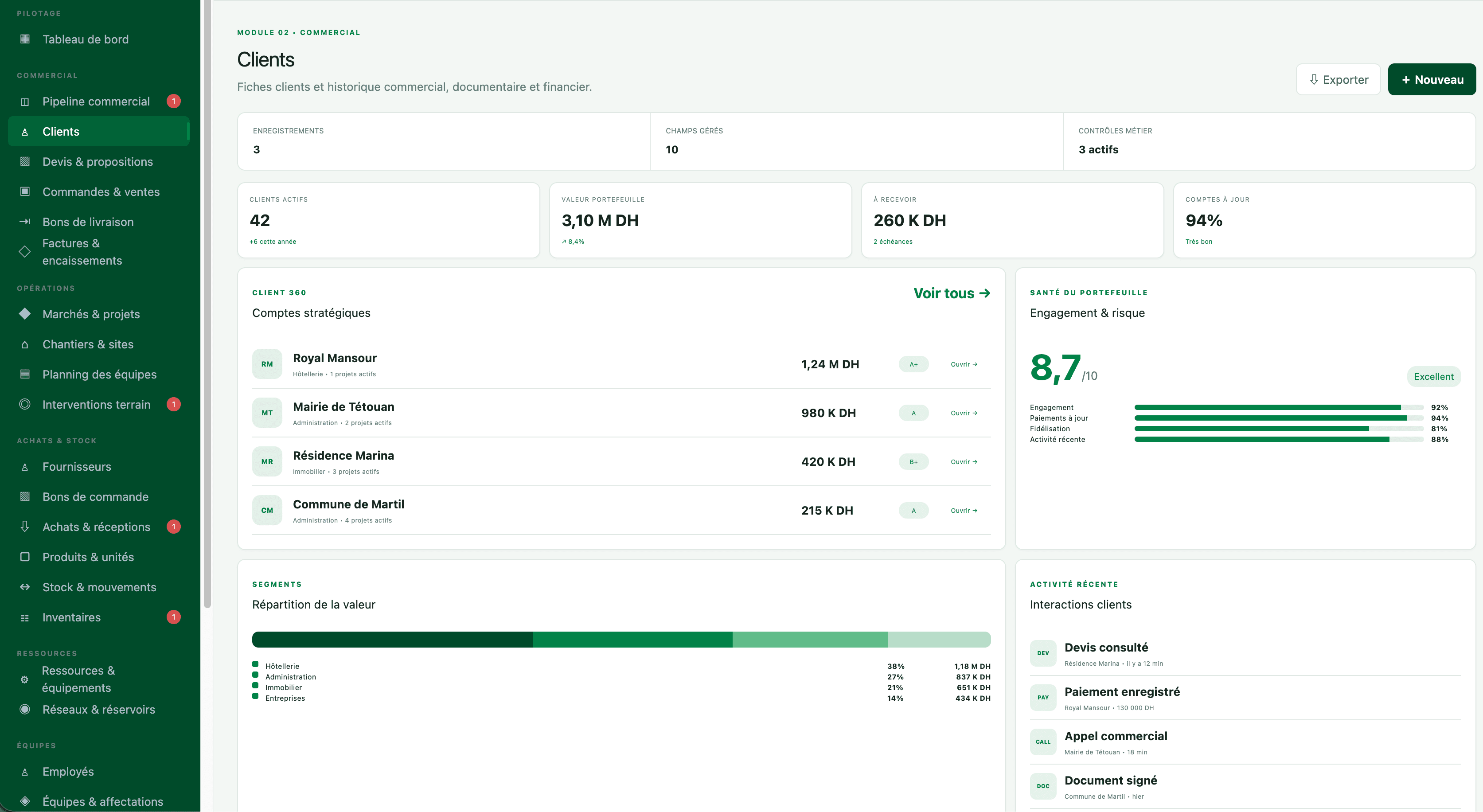
For companies whose standard tools no longer meet their needs, or those offering a new digital service to clients and staff.
Present your offer and receive enquiries. Content, visibility and the contact journey come first.
Explore further ↗Let customers view documents, track a request or submit information through an access-controlled space to be defined.
Explore further ↗Organise a process specific to your business: jobs, cases or inventory. Business rules and exceptions guide the design.
Explore further ↗Structure contacts, opportunities and follow-ups. First check whether an existing tool covers the need before considering custom development.
Explore further ↗
Prototype → application
A prototype helps discuss screens, journeys and priorities. A usable application also needs business rules, access rights, checked data and tests. The 48-hour prototype offer concerns this first visualisation of a scoped need; it does not mean a complete application delivered in that time.
Explore the prototypes ↗A phased implementation
We define priority uses, prepare a first version and test it with users. Features are validated progressively before deployment and handover to your teams.
Before launch, define who tests, who approves and how an issue is handled. A visual demo does not replace testing your actual workflows.
A map of the current process and a reasoned priority list. Each priority relates to a use, an owner and a condition for success.
A tested scenario with acceptance criteria. Gaps, exceptions and change requests are recorded before wider rollout.
A phased rollout, user guidance and defined responsibilities. Business continuity and rollback options are planned.
A review of usage and prioritised improvements. Maintenance, support and additional training follow the agreed scope.
User numbers alone do not price a project. Journeys, integrations, data quality, controls and support affect the effort. A proposal separates initial scope, recurring costs and options. The schedule accounts for your approvals and information availability.
Ownership, licences, administrator access and handover arrangements must be specified in the contract. Third-party components and subscriptions must also be identified. These points are agreed before launch rather than assumed to be identical for every project.
Backups, hosting, maintenance and support need named owners. Define support arrangements, required access and how changes are requested. Training and documentation are part of the scope to agree, alongside features.
We compare use cases, integrations and maintenance requirements. Custom development makes sense when specific needs justify it.
Maintenance, assistance and future changes are defined in the proposal. They should be agreed before launch, with responsibilities and access arrangements.
Describe a workflow, the tools involved and what gets in your way.